Marketplace
The Template Marketplace is a collection of professional templates that help you process documents faster. Browse, test, and use pre-built templates.
Overview
The marketplace provides:
- Ready-to-use templates for common document types
- Template testing before integration
- Easy integration with copy-paste template IDs
Accessing the Marketplace
- Log in to your Parselyze account
- Navigate to "Marketplace" from the main menu
- Browse templates by category or search
Template Categories
Templates are organized into the following categories:
- Invoice - For invoices and billing documents
- Receipt - For receipts and payment confirmations
- ID Document - For identity documents and cards
- Contract - For contracts and agreements
- Medical Record - For medical documents and reports
- Resume - For CV and resume processing
- Custom - For specialized document types
Finding Templates
Search and Filters
Search Bar
- Search by template name or keywords
- Real-time filtering as you type
Category Filter
- Filter templates by document type
- Select "All Categories" to see everything
Template Cards
Template Details
Click on any template to view detailed information:
Template Information
- Complete description with use cases
- Field structure showing data extraction schema
Data Structure Preview
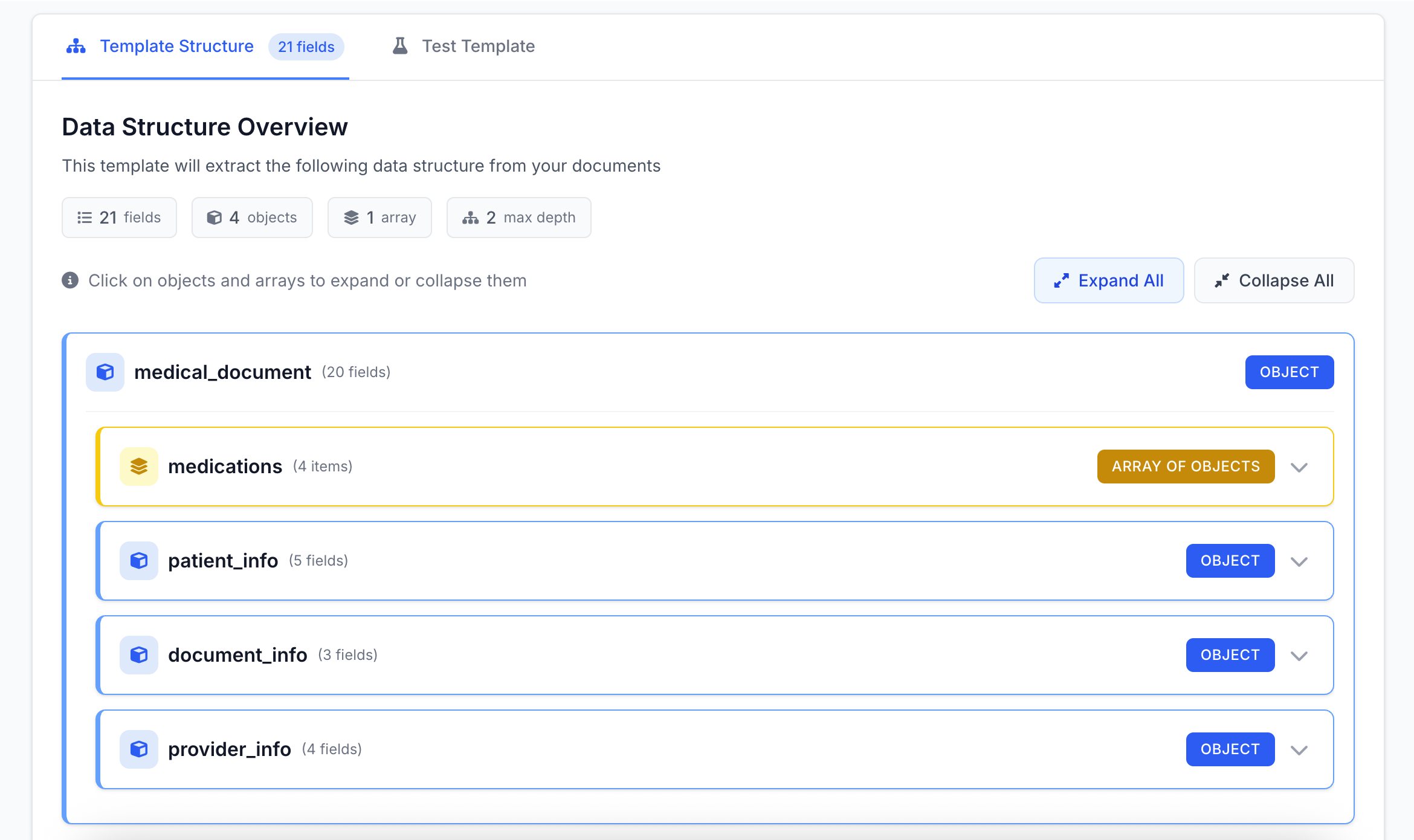
Field Types Visualization
The interface uses color coding for different field types:
- Blue - Object fields (containers for multiple properties)
- Yellow - Array fields (lists of items)
- Purple - Union types (multiple possible types)
- White - Simple fields (string, number, date, boolean)
Testing Templates
Before using a template in production, you can test it directly in the marketplace:
Test Interface
- Upload a sample document using the file upload area
- Click "Test template" to process your document
- Review the results in JSON format
Test Results
- Extracted data formatted as JSON
- Copy functionality for easy integration
- Processing feedback and any validation messages
Testing Quotas
- Free users: Testing consumes pages from your monthly quota
- Premium users: Marketplace testing is quota-free
Using Templates
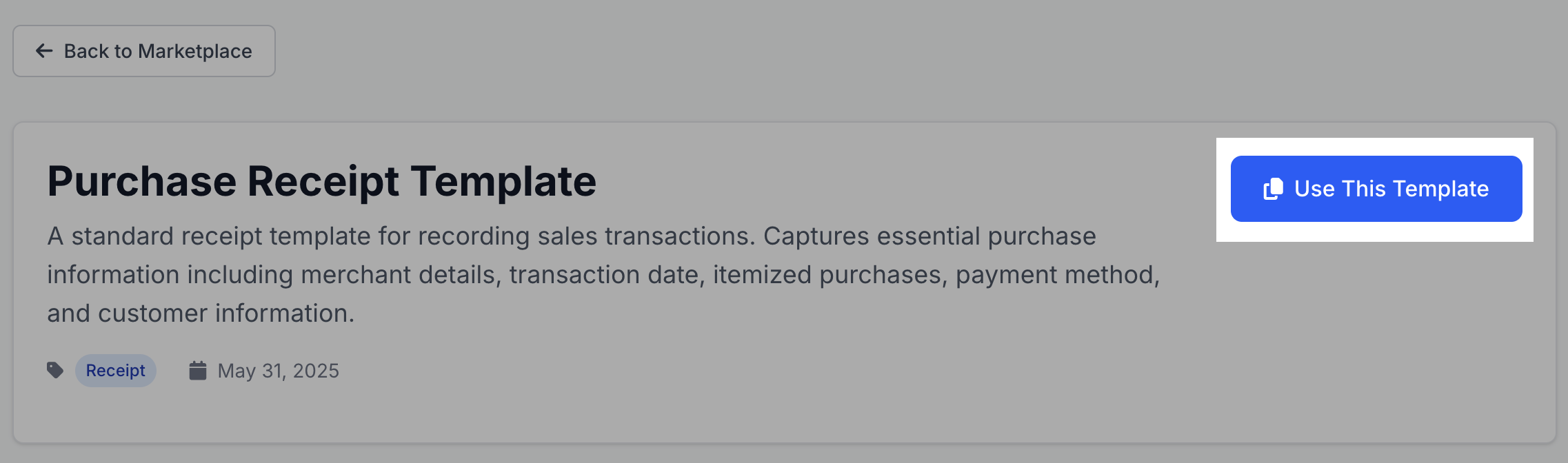
Template Forking
When you use a marketplace template:
- The template becomes available in your personal templates list
- You can edit and customize it for your specific needs
- Your modifications don't affect the original marketplace template
Best Practices
Choosing Templates
- Review the field structure to ensure it matches your needs
- Test with your actual documents before production use
- Check the template description for specific use cases
Template Evaluation
- Look for templates with clear descriptions
- Prefer templates that match your document format
Need Help?
- Template not working? Try testing with different document formats
- Missing fields? The template might need customization for your specific documents
- Can't find what you need? Consider creating a custom template or requesting one from the community